

Empower Your Child's Learning Journey!
Discover the best books, track progress, and create a world of reading tailored to your child.

Filter books by age to make sure every book suits your child’s level.

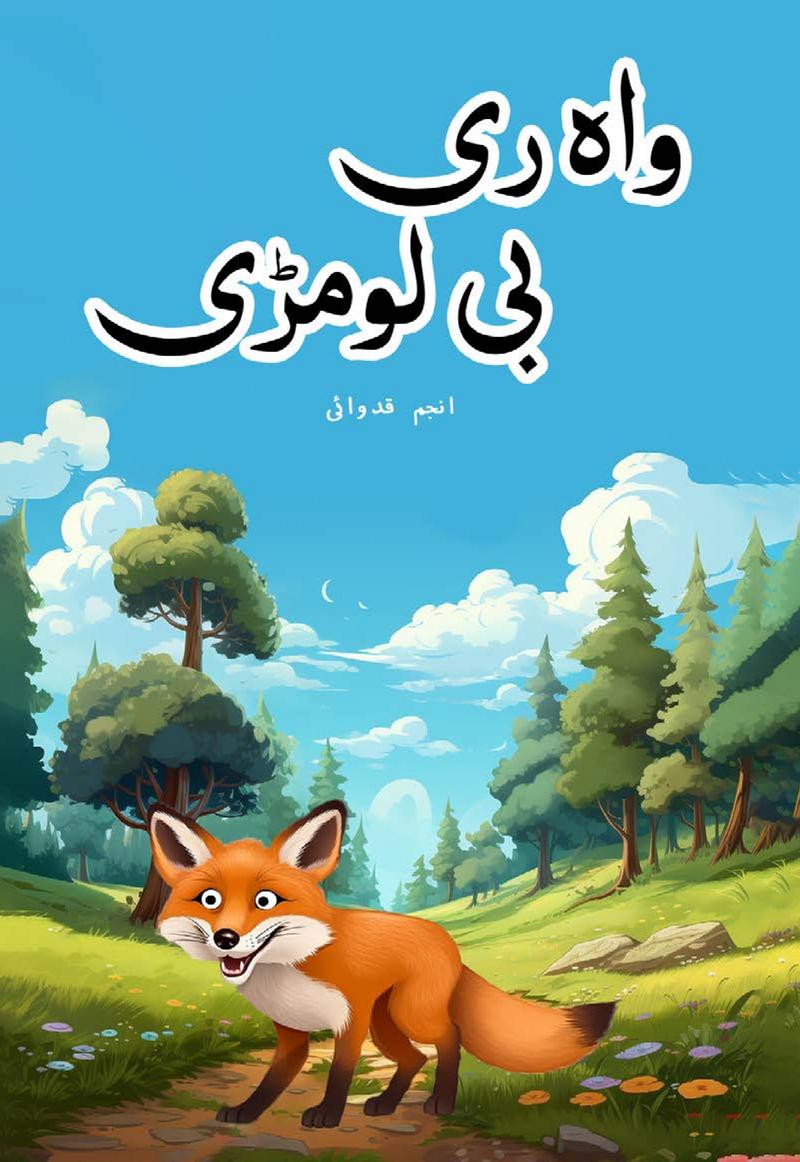





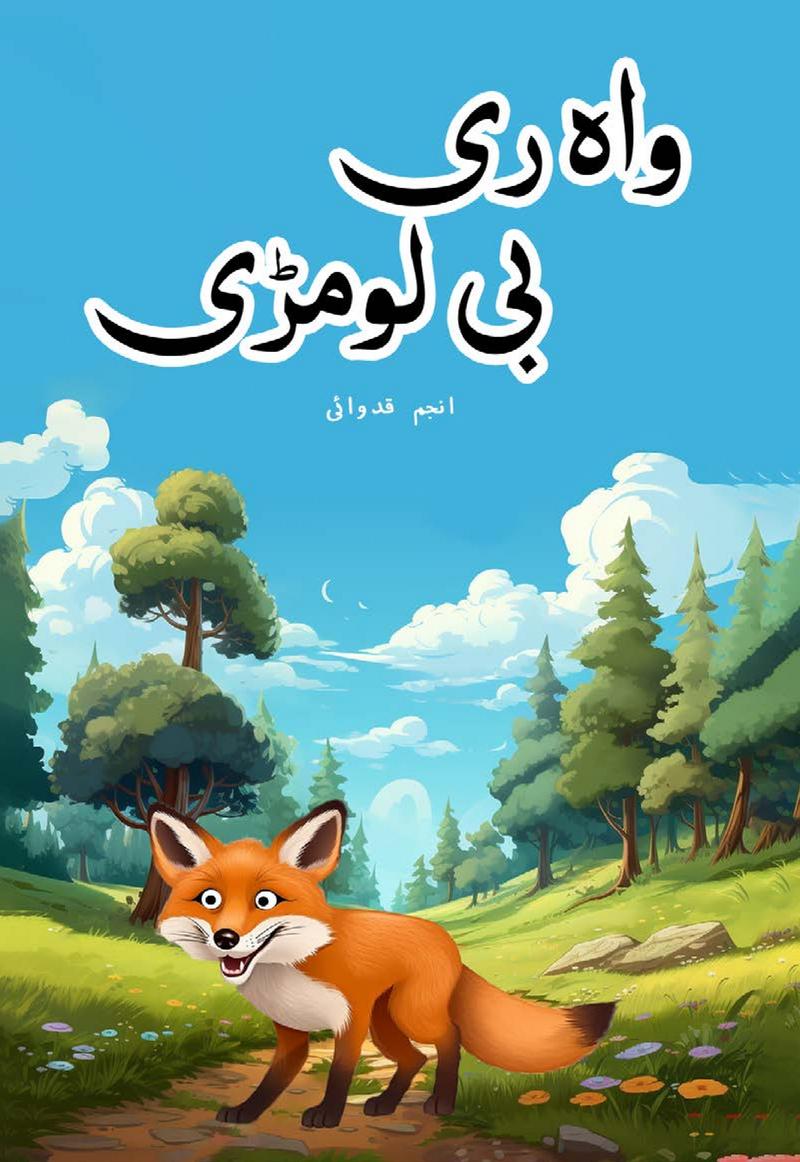


Your Parent Dashboard
Control & Insights at Your Fingertips


Get Started in 4 Simple Steps

Get Membership

Create Profiles

Assign Books

Lets Kid Start Reading the Book
Keep Your Child Engaged in Meaningful & Safe Screen Time
Motivate your child to read more with exciting features like quizzes, badges, and leaderboards!
Keep Your Child Engaged with Fun & Healthy Activities

Celebrating Young Achievers!
See who's leading the way in reading! Celebrate your child's milestones and motivate them to climb higher.
See What Parents Say About AlifLaila
Zarnish Ali, Parent
I recently downloaded this app, and now my kids no longer pester me at night to tell them a story. My eldest daughter reads independently, and the younger ones listen to her.
Nimra Iqbal, Aunt
I started using the AlifLaila app for my niece, and honestly, I’ve had a great experience. She was already interested in stories, and now her interest has grown even more.
Hina Umer, Parent
I got this app for my son. Since I wanted to instill the love of reading in him and I wanted to register for some library, unfortunately, we don’t have any libraries in our city. Then I came across your digital library. That was very affordable and saved the hassle of travel.
Maha Naseer, Parent
We recently moved out of Pakistan, and for the past few months, my son has been telling me how much he misses his grandmother, who used to tell him bedtime stories. I am not great at storytelling so when my sister-in-law mentioned an app that her kids in Pakistan were enjoying I decided to try it out. Now, my son is thrilled to hear new stories from me every day and those complaints have disappeared. Thank you AlifLaila for bringing happiness back to our bedtime route in, even miles away from.

Frequently Asked Questions
Find quick answers to common questions about our platform and services
Choosing "I am a Parent" creates a Parent account where you can manage up to 4 kids' profiles, assign books and track reading progress. Choosing "I am a Kid" creates a single child account without parent controls.
Yes. All books are reviewed by educators and are free from harmful content. For free users in Guest Mode or kids signed in without a Parent account, ads may be shown. In Parent account, there are no ads.
From your Parent dashboard, select "Add Kid", enter their name, username, and a PIN code. Your child will log in with that username and PIN. You can create up to 4 profiles under one Parent account.
They can read all free books in the library — either ones you assign or ones they discover on their own.
Get a membership (subscription). You can view all plans on the Plans page [link]. Membership is purchased through a Parent account, and after purchase, coins are added to your Parent wallet based on the plan.
Your plan instantly loads coins into your Parent wallet. You assign coins to each child (like daily pocket money) and set a daily spending limit. This allows you to control how many coins each child can spend in a day. Kids use their assigned coins to borrow premium books; parents can also buy or borrow.
Kids can borrow premium books (30-day access) using their coins. Parents can both buy (lifetime access) or borrow books.
Yes — any book bought or borrowed by a parent or one child is accessible to all kids under the same Parent account. These shared books appear in the Family Shelf.
Yes. Once a book is downloaded, it's available offline anytime.
You can top up coins or buy a new plan anytime. The new coins appear in your Parent wallet and you can assign them to kids right away.
Unused coins are locked after expiry (not spendable). When you renew/reactivate your plan, those coins are unlocked and carried forward